


Google Review Points Explained: How They Work And What You Get
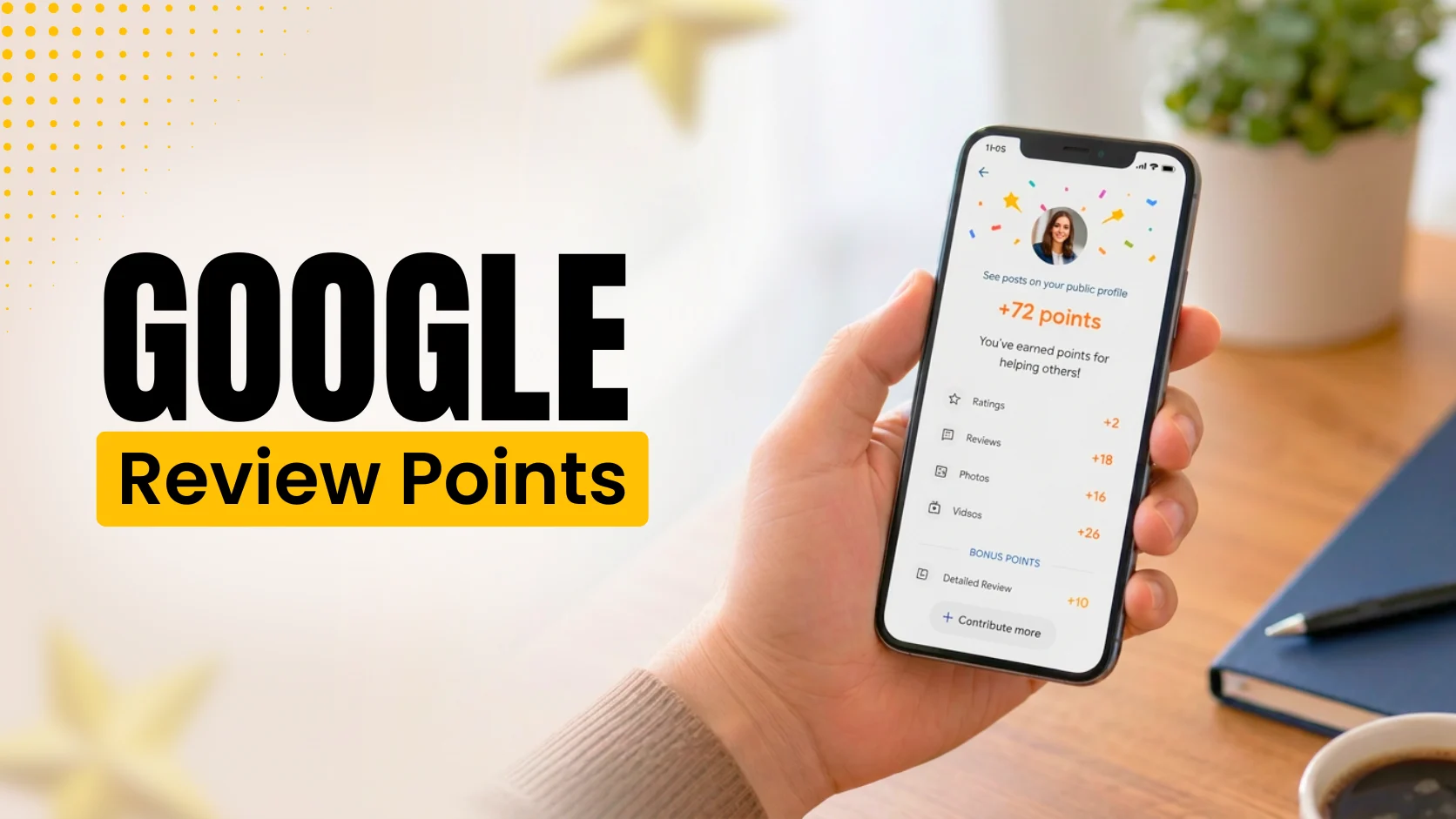
Table of Contents
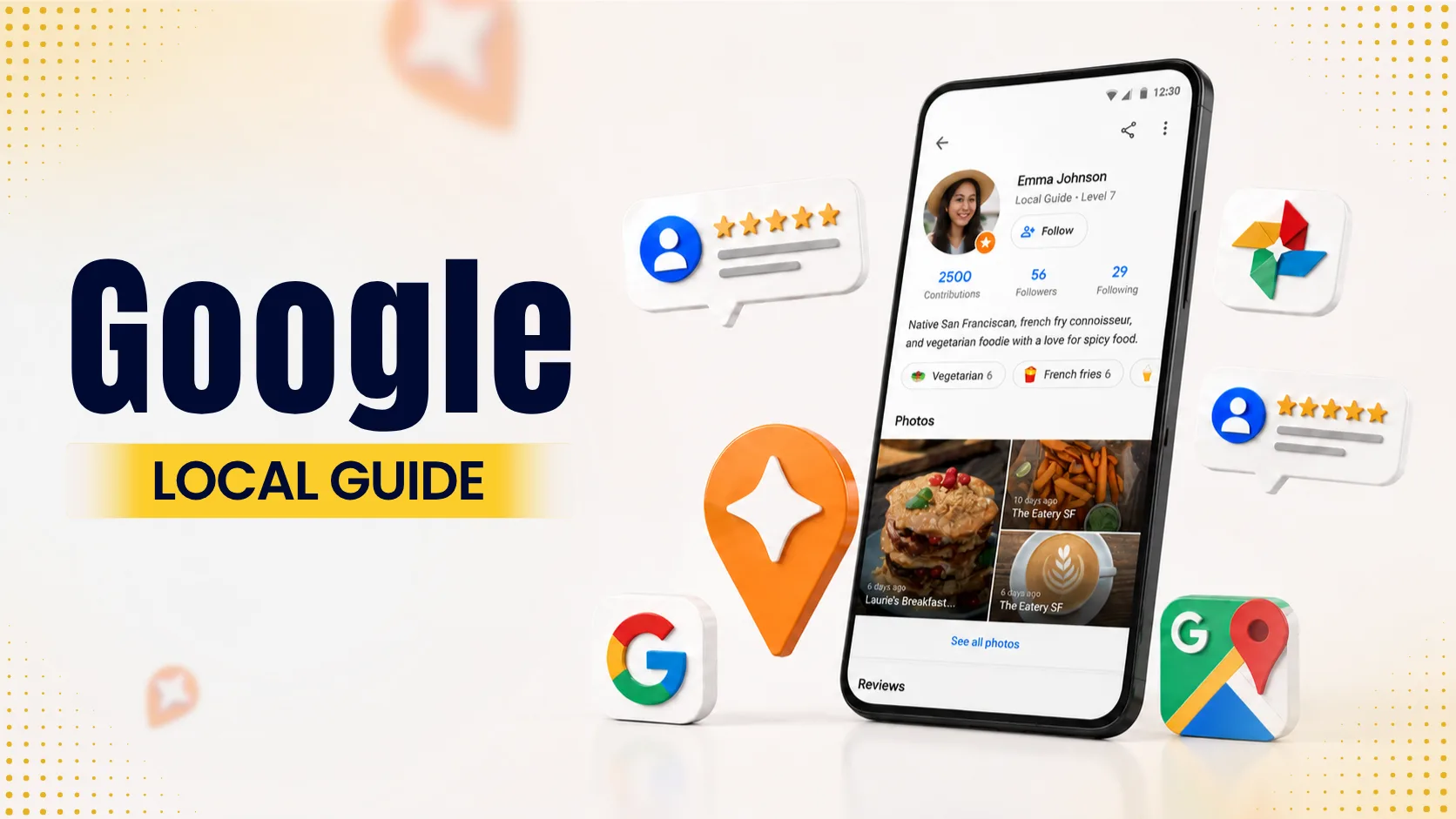
When you search for a business on Google Maps, you’ll sometimes see badges like “Level 6 Local Guide” next to people’s names. Those badges come from Google’s Local Guides program, which rewards people with points for adding photos, reviews, and updates that help keep local maps accurate.
Everyday users collect those points mainly for personal perks, but for business owners the numbers mean something different. They show how much authority a reviewer carries, how much weight Google’s algorithm gives their feedback, and how high your store or clinic ends up ranking in local map results.
What are Google review points?
Google review points are the scoring currency inside the Google Local Guides program. Every time an enrolled user adds data to Google Maps, they earn points. Contributions include star ratings, written text, photos, videos, and map corrections.
Accumulating points moves contributors through 10 distinct levels. Reaching Level 4 puts a public badge next to their profile name, which tells both users and Google that the account belongs to an active, real person.
Local Guide level | Points required | Unlocks |
Level 1 | 0 points | Base membership |
Level 2 | 15 points | Forum access |
Level 3 | 75 points | Community features |
Level 4 | 250 points | Public Local Guide badge |
Level 5 | 500 points | Enhanced visibility |
Level 6 | 1,500 points | Top-tier status |
Level 7 | 5,000 points | Early feature access |
Level 8 | 15,000 points | Exclusive perk pools |
Level 9 | 50,000 points | Master contributor status |
Level 10 | 100,000 points | Maximum level tier |
These levels matter to business owners. Reviews from badged Local Guides send strong trust signals. Because Google sees that these accounts have a clear history of real activity, automated spam filters rarely remove their feedback.
How contributors earn points
Google awards points based on effort. A quick star rating gives bare-minimum points, while a detailed review with original media pays out much more.
Basic star rating: 1 point
Written review: 10 points
Detailed review (200+ characters): 10 bonus points
Uploaded photo: 5 points
Photo tags: 3 points
Uploaded video: 7 points
Answering community Q&As: 3 points per response
Checking facts or editing info: 1 to 5 points
Adding a missing place: 15 points
This point structure is why customers often write thorough feedback when you ask them nicely. They help your business while leveling up their own profiles.
Helping clients leave detailed feedback
When customers know how easy it is to rate a business, they write reviews more often. You can share this guide on how to write a Google review to walk them through the steps. Clear instructions help clients post detailed feedback that earns them Local Guide points and gives your profile useful search terms.
Why high-authority reviews change local rankings
Google uses three factors to rank businesses in the local map pack: proximity, relevance, and prominence. Your reviews make up a big part of prominence.
When high-level Local Guides review your Google Business Profile, Google knows trusted users are visiting your location. That activity tells search algorithms that your business is open, legitimate, and popular. You can read more about how star counts and customer sentiment feed into map rankings in this breakdown on how positive Google reviews impact local search rankings.
Setting up a long-term review plan
Asking for reviews once in a while will not keep your search rankings high over time. You need a regular habit to bring in new feedback every week. Reading up on a proven Google reviews strategy for business growth gives your team a realistic routine for collecting, tracking, and answering customer reviews.
When you connect customer care with search optimization, you can improve local SEO through a Google review strategy. That connection turns everyday customer ratings into phone calls, website clicks, and store visits.
Strategic ways to buy Google reviews
Organic reviews take time. New businesses or locations opening in crowded markets run into a cold-start problem: without reviews, potential clients choose older competitors who already have hundreds of ratings.
In those situations, deciding to buy Google reviews helps you build baseline credibility faster. The key is avoiding bad vendors who drop generic ratings from brand-new accounts overnight, which triggers Google's filters and gets reviews deleted.
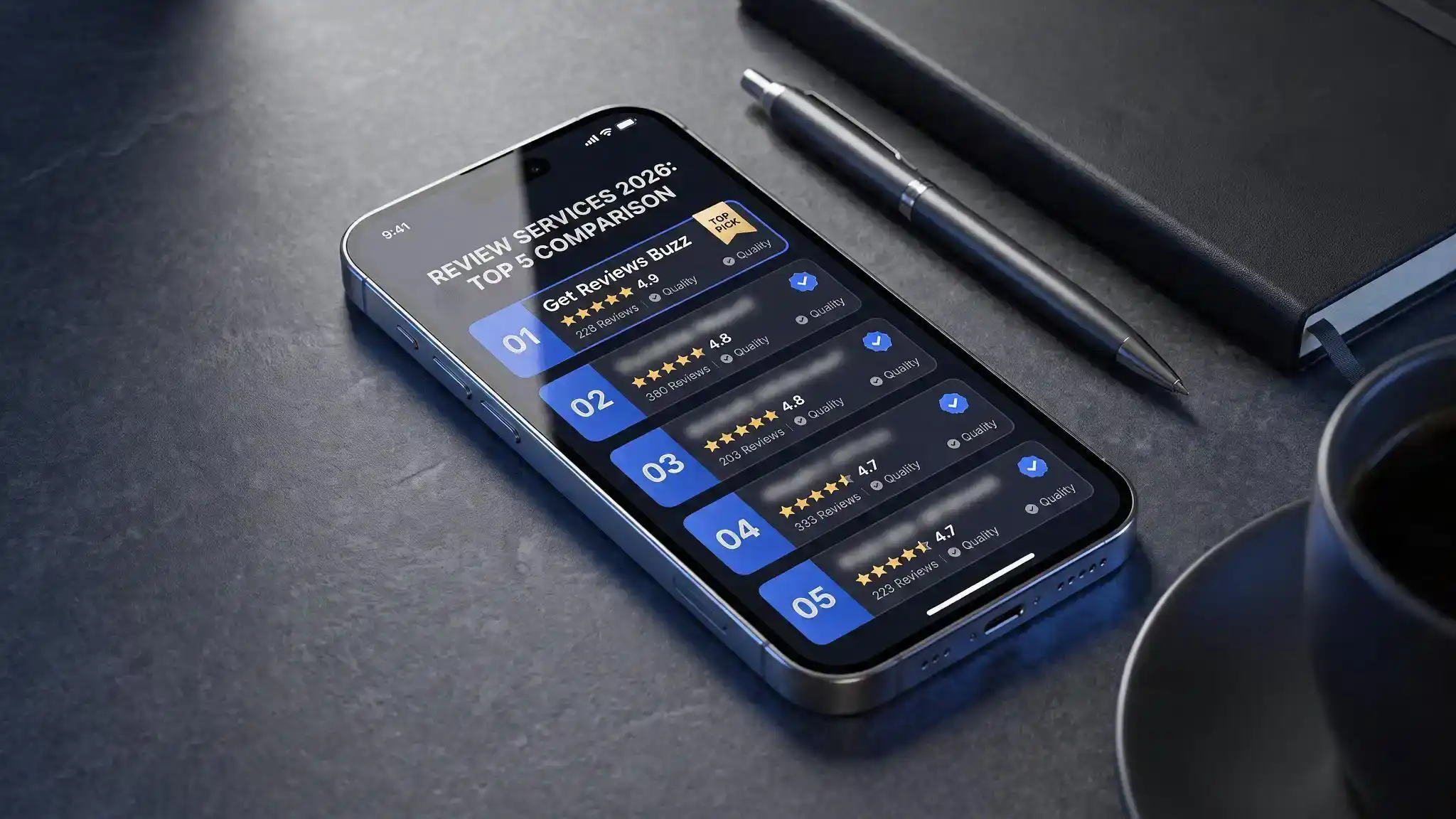
Working with experienced providers like Get Reviews Buzz keeps your account safe. Professional services post reviews gradually using established, real user profiles that match local search patterns. Buying feedback this way gives you the initial social proof needed to catch a customer's eye and get organic calls coming in.
Why businesses buy online reviews to keep momentum
Established brands also run into situations where adding extra reviews makes practical sense. Choosing to buy online reviews offers a few direct advantages:
Diluting unfair negative feedback: One angry review can pull a 5.0 rating down to a 4.2. Adding authentic, high-rating reviews brings your average back to where it should be.
Keeping map pack rankings steady: Search algorithms like listings with consistent activity. Adding reviews during slow months keeps your account active.
Building trust in new locations: Opening a second or third location means starting at zero in a new town. Strategic reviews build instant credibility with nearby customers.
Getting more phone calls and clicks: High star averages and thorough feedback directly increase directions requests, call rates, and site visits from Google Maps.
When you combine help from Get Reviews Buzz with great service on the ground, you create a feedback loop that grows your business.
How to get high-point reviews from real customers
Review services help, but daily habits from your team matter more.
Ask right when the job's done. Don't wait a day, ask while you're handing over the receipt or right after the work is finished.
Make it easy. Text them a link, or show a QR code that opens the Google review box on their phone. No searching around for your page.
Give them something to answer. Instead of "please leave a review," ask "What did we do for you today, and how was the team?" People write more when you give them a question, and longer reviews tend to bring in more useful keywords.
Reply to every review. Good or bad, answer it. It shows the next customer, and Google, that you're actually paying attention.
Wrapping up
Google review points show how much value search algorithms place on detailed, real-world data. Users earn points and profile badges, while your business gets the map rankings, search traffic, and trust needed to win local customers.
Understanding reviewer authority and working with growth partners like Get Reviews Buzz helps you build a strong online presence. Focus on providing great service, making it easy for happy clients to leave reviews, and keeping your Google Business Profile updated.
Frequently asked questions
1. How do Google Local Guide levels work?
Google Maps hands out points for photos, reviews, and business info you add. Collect enough, and your profile climbs from Level 1 to Level 10. Hit 250 points (Level 4) and you get a star badge next to your name — Google's way of flagging you as a real, active contributor.
2. How many points do you get for a Google review?
Depends on how much you put into it:
Star rating only: 1 point
Written review: 10 points
Review over 200 characters: 10 extra points (20 total)
Photo: 5 points
Video: 7 points
3. Do reviews from higher-level Local Guides carry more weight?
Yes. Google trusts accounts with a longer track record. A review from a Level 6 or 7 guide tends to stick around longer, helps local rankings more, and is less likely to get flagged as spam.
4. Do Google Local Guide points ever expire?
No, they last forever. The only way to lose them is if the review or photo gets deleted — either by the user or by Google, for breaking its rules.
5. Can customers leave a review without a Gmail address?
Yes. They just need a Google account, and that can be linked to any email — Outlook, Yahoo, a work address, whatever. It doesn't have to end in @gmail.com.
6. What does Get Reviews Buzz do?
We help local businesses build stronger star ratings and manage their online feedback: strategies and services for bringing in authentic reviews, improving local search visibility, and turning map searches into calls and visits.
7. Is using Get Reviews Buzz safe for my Google profile?
Yes. We steer clear of bots and fake profiles; those are what trip spam filters. Reviews come in gradually, from established, location-accurate accounts, so your listing stays clear of penalties or sudden drops.