


What Is a Google Local Guide & How to Become One
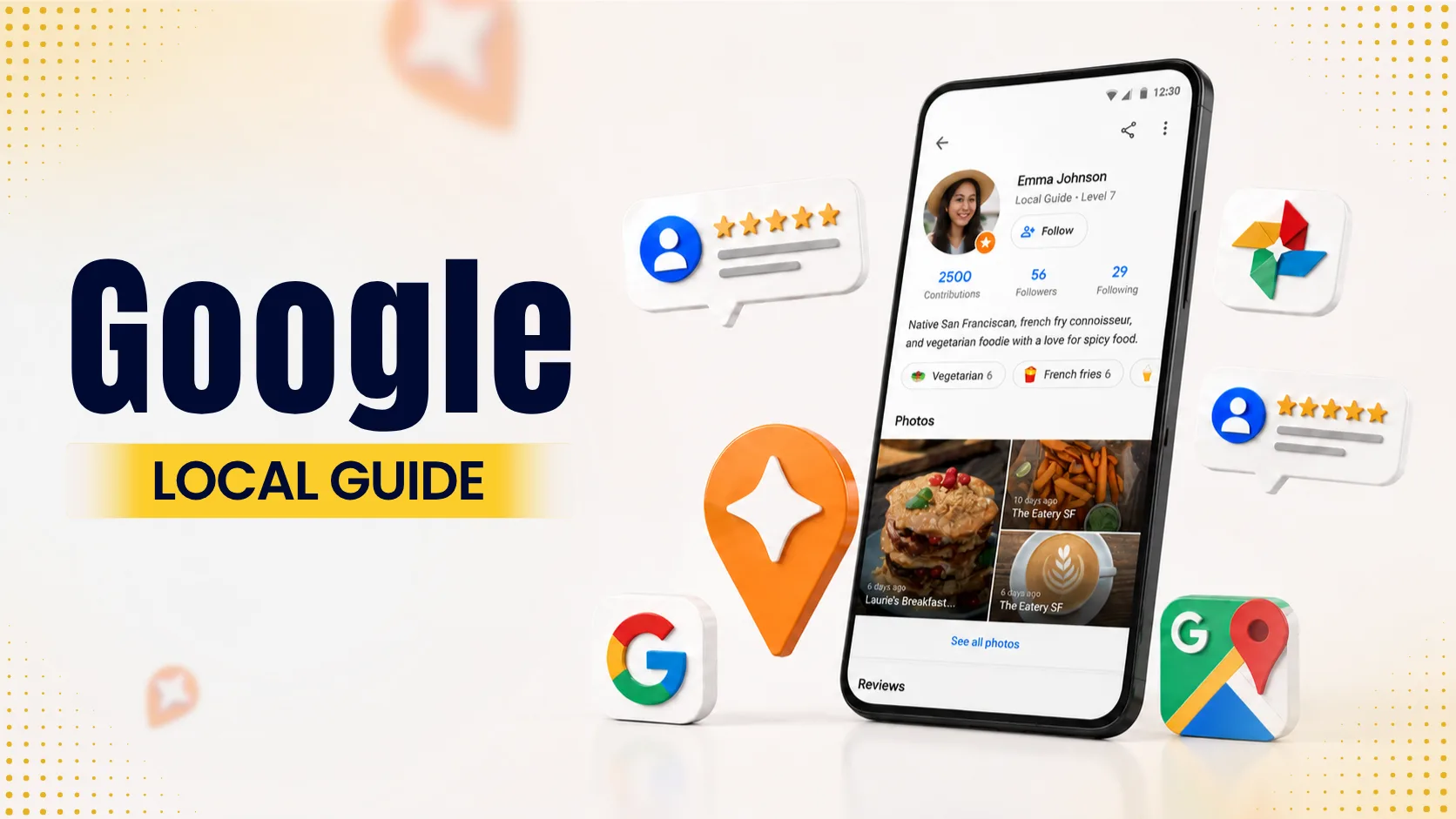
Table of Contents
Protect Your Reputation
Restore customer trust with proactive positive reviews.
Boost Online ReputationEver opened Google Maps looking for a coffee shop or a local repair garage and spotted a little star next to someone’s name on a review? That star means the person is a Google Local Guide.
Google Maps has more than 2 billion people using it every month. These days, local reviews can make or break a business. Behind all those star ratings is a huge network of over 120 million volunteers. They add details, upload photos, update opening hours, and confirm addresses for roughly 250 million places around the world.
Whether you’re thinking about building your own reviewer profile or you run a business and want to understand why these badge-wearing contributors carry so much weight, here’s how the Local Guides program works, how the points system adds up, and how you can get started.
What Is a Google Local Guide?
Google's Local Guides program depends on regular people to keep map listings accurate. Anyone can join, and most contributions are small, a star rating here, a photo of a storefront there.
Some guides go further and write out what their experience was actually like, or answer a question someone else posted about a place. Others just catch the small stuff, like noticing a shop has shut down, or a phone number no longer works, and reporting it.
What Does Local Guide Mean on Google Reviews?
Seeing an orange star icon next to a reviewer’s name signals long-term credibility. That badge indicates that the feedback comes from a seasoned contributor who routinely adds helpful information to Maps, rather than an account created just to dump a single rating.
Because these badged accounts carry significant authority, many growing businesses choose to buy local guide reviews to build fast social proof and stand out in crowded local markets.
Contributors function as a community quality-control team. While algorithms can organize street maps, software cannot assess food quality, confirm wheelchair accessibility, or detect changes to a shop’s weekend hours.
Google prioritizes updates from active contributors, as their consistent activity reflects proven accuracy and reliability.
Program Mechanics: Points, Levels, and Badges Explained
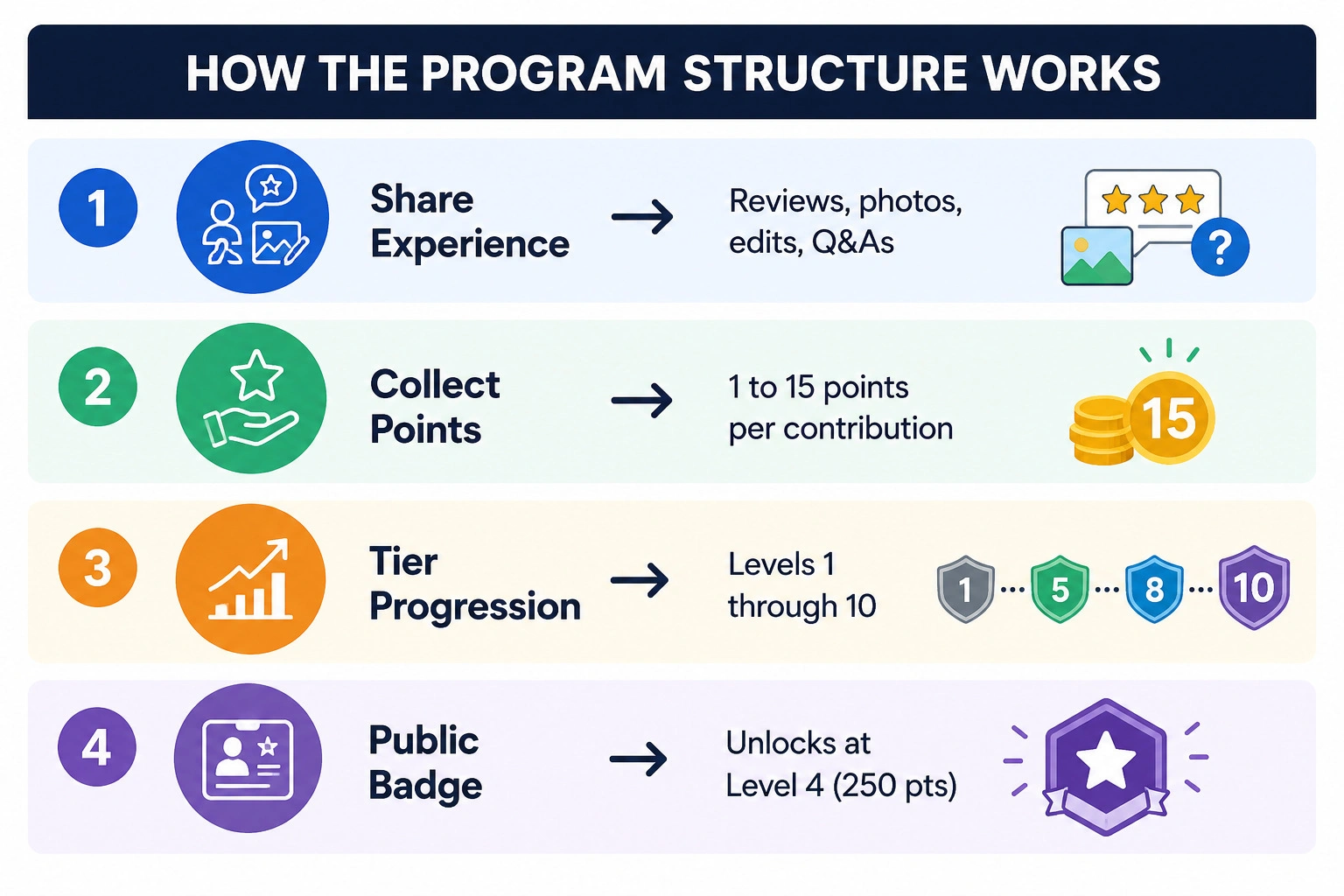
The program runs on a point system where different actions reward different amounts of effort. Quick actions like leaving a star rating yield single points, while adding missing places or updating road details rewards higher amounts.
Point Structure Matrix
Contribution Type | Points Awarded | Purpose & Impact |
Star Rating | 1 point | Quick overall score of a visit. |
Text Review | 10 points | Adds general context for potential visitors. |
Detailed Review (200+ chars) | +10 bonus points | Rewards detailed, informative feedback. |
Photo Upload | 5 points per photo | Visual proof of storefronts, seating, or menus. |
Video Upload | 7 points per video | Short clips that capture atmosphere and layout. |
Answering Q&As | 3 points per answer | Helps shoppers check parking or accessibility details. |
Editing Business Info | 5 points per edit | Fixes dead phone numbers, wrong hours, or addresses. |
Adding a Missing Place | 15 points | Adds new neighborhood businesses to the map. |
Fact-Checking Info | 1 point per check | Verifies edits submitted by other community members. |
Level Progression Tiers
Your Local Guide profile moves up through ten levels as you collect points:
Levels 1–3 (0 to 75 points): You’re just getting started. Points still count, but nothing shows up publicly on your profile yet.
Level 4 (250 points): This is the first real milestone. You finally unlock the official star badge.
Level 5 (500 points): A five-pointed star appears next to your name.
Levels 6–8 (1,500 to 15,000 points): These are for people who post often. The star badge gets more detailed with each level.
Levels 9–10 (50,000 to 100,000+ points): Elite territory. Reaching here usually takes years of steady reviews, verified edits, and photos that actually get noticed.
Member Benefits & Google Local Guide Perks
Google does not pay cash to contributors. However, maintaining an active profile offers several practical perks:
Increased Review Prominence
Badged profiles stand out visually on busy business listings, making your feedback more visible to potential customers.
Early Feature Access
Active contributors often receive early access to experimental navigation tools and beta updates in Google Maps.
Community discussions
Once you’re in, you get access to Connect, an exclusive forum where Local Guides swap mapping tips and sometimes chat directly with Google’s product teams.
Occasional partner rewards
Depending on where you live, Google occasionally throws in extras like Google Play credit, extra cloud storage, or invites to special events.
Enrollment Steps: How to Become a Google Local Guide
Signing up takes less than a minute. No fees, no background checks, no waiting for approval.
Here’s how to join:
Log in- Open Google and sign in with the same account you use on your phone.
Go to the sign-up page- Head to maps.google.com/localguides in your browser.
Pick your city- Choose your main location, confirm you’re old enough in your region, and accept the terms.
Write your first review- Open Google Maps, find a place you’ve been to recently, and tap “Write a review.”
Building a good reputation takes time and honest contributions. If you want tips on writing reviews that are clear, useful, and follow the guidelines, check out our guide on how to write a Google review.
5 Practical Tips to Level Up Your Local Guide Status
Getting to the higher levels takes more than just posting a lot, you need a smart approach that avoids low-effort or repetitive content.
Write longer reviews
A quick “great shop” only gets you 10 points. If you actually describe things like parking, service, and prices (and push past 200 characters), the same review jumps to 20 points.
Take useful photos
Each photo is worth 5 points. Clear shots of updated menus, store entrances, or the parking lot tend to get a lot of views because people check them before they go.
Answer the quick questions
Maps often asks simple yes/no questions like “Is there a wheelchair-accessible entrance?” They only take a few seconds, and the points add up fast.
Fix business hours
A lot of places forget to update seasonal or holiday hours. Submitting a correction earns 5 points once it’s approved, and it actually helps other people avoid showing up at the wrong time.
Stick to the rules
Don’t post the same photo twice, copy text, or leave fake ratings. Breaking the guidelines can cost you points or get your account suspended.
Why Local Guide Reviews & Google Ratings Matter
Reviews from badged profiles carry significant weight for local business owners. When an active contributor leaves a detailed 5-star review with photos, Google's sorting algorithm tends to display that post near the top of the listing.
This extra exposure delivers several benefits to local merchants:
Better Click Rates: Shoppers pay closer attention to feedback backed by a verified badge.
Improved Map Pack Rankings: Listings that regularly receive detailed reviews and fresh photos signal strong activity to search engines.
Faster Customer Trust: Detailed posts answer buyer questions upfront, making new customers feel more confident.
Building up a strong reputation organically takes time. For companies looking to accelerate their local social proof, exploring options to buy local guide reviews from established accounts can help build immediate authority on competitive map packs.
When you buy Google reviews through a trusted service like Get Reviews Buzz, you gain a proven strategy to strengthen your digital presence, improve search visibility, and support your organic feedback.
Frequently Asked Questions
1. What is a Google Local Guide?
It's an everyday Google Maps user who regularly posts reviews, photos, business updates, and location details. Google gamifies these contributions with points, levels, and public badges to keep local map data accurate and up to date.
2. Is joining the program completely free?
Yes. Anyone with a personal Google account who meets the minimum age requirement for their country can sign up in less than a minute, there are no fees, applications, or waiting lists.
3. How do you unlock the Local Guide badge?
Your profile automatically receives its first official badge, an orange star icon, once you hit Level 4 by reaching 250 points. As your point total grows, your badge updates to show higher tier levels.
4. Does Google pay you for leaving reviews?
No. Google does not pay cash for contributions. The program runs on voluntary updates, though active members occasionally get non-cash benefits like early feature access, beta tools, and special partner discounts.
5. What is the easiest way to earn points quickly?
The easiest way to rack up points fast is to write reviews over 200 characters, and you get a 10-point bonus, so 20 points per post. Photos are worth 5 points each. Missing a local business? Add it and pocket 15 points.