

Monitor Online Reputation Using These Tools

Table of Contents
Protect Your Reputation
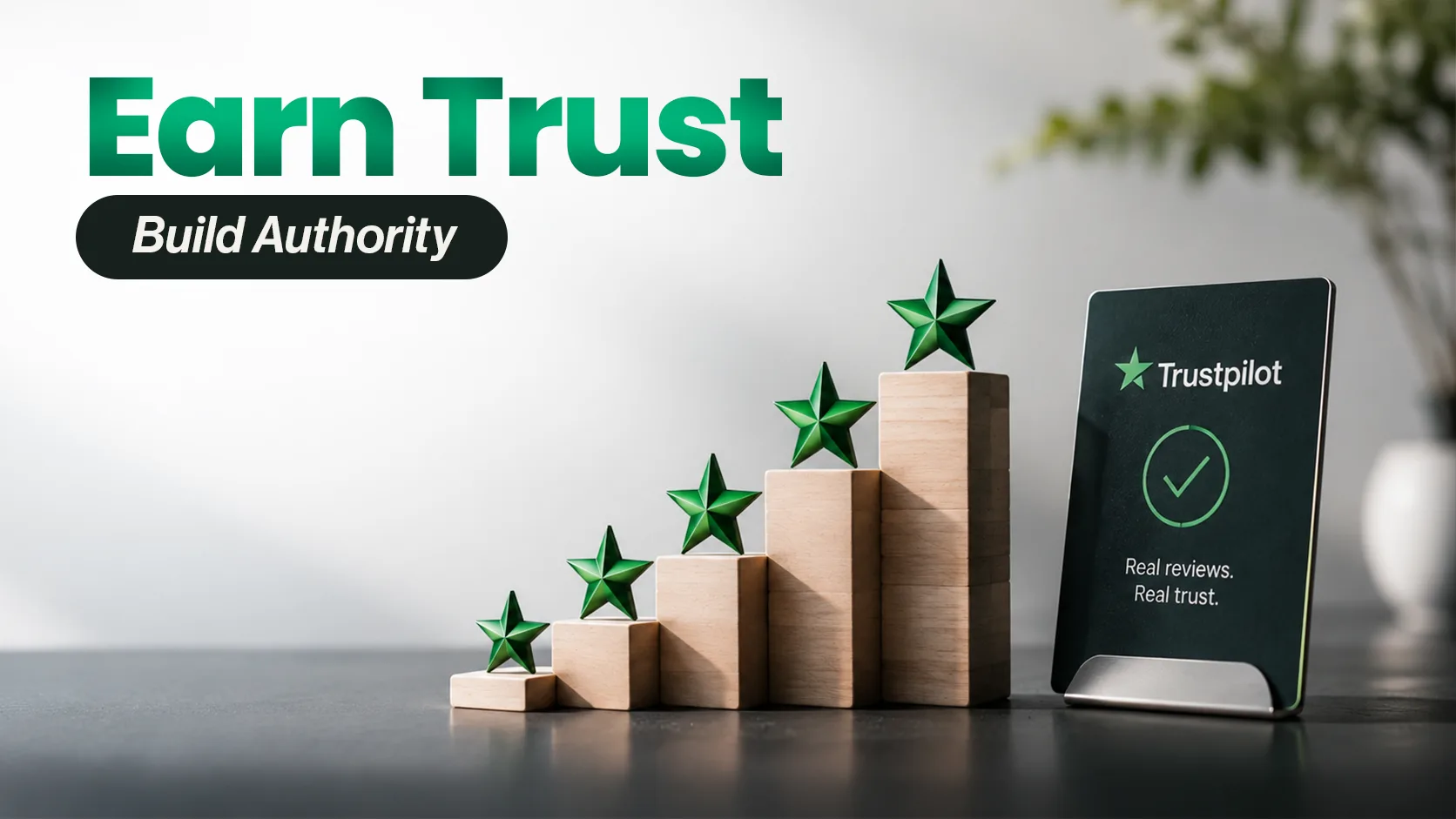
Restore customer trust with proactive positive reviews.
Boost Online ReputationYour online reputation matters for your business. Many people read online reviews before they buy a product or service. They want to know what other customers think. Positive reviews can build trust and help people choose your business.
That is why you should monitor your online reputation. It helps you learn what customers say about your business. You can also reply to reviews and fix problems early. As a result, you can improve your service and build better customer ties.
Online reviews are also vital for local businesses. For example, people often check Google Business Profile listings before they visit a shop or restaurant. They look at ratings, reviews, photos, and business details. So, keep your listing up to date and ask real customers to share their views.
Some businesses look for ways to buy Google Local Guide reviews to boost their online presence. However, real customer feedback is key to long-term trust. The right tools can help you track reviews, spot issues, and learn what your customers need.
Best Tools to Monitor Your Online Reputation
Many tools can help you track reviews and brand mentions. Some focus on customer reviews, while others track news and online discussions. Here are seven tools to consider for your business.
1. Chatmeter
Chatmeter helps businesses track reviews and manage their online presence. It is useful for brands with many locations. The tool brings reviews from supported sites into one place.
This saves time because teams do not need to check each site by hand. They can also spot common complaints and see how each location performs.
Chatmeter also helps keep business details up to date across supported sites. This can help customers find the right details when they search online.
Best for: Brands with many stores, local chains, and marketing teams.
2. Google Alerts
Google Alerts is a free tool from Google. It helps you track mentions of your brand across the web. You can set alerts for your business name, products, or key terms.
Google then sends email alerts when it finds matching content. For example, you can track your brand name to find new articles or blog posts. You can also set alerts for your main rivals.
However, Google Alerts does not find every review or social media post. So, use it with other tools if you need wider coverage.
Best for: Small firms, solo workers, and marketers who need a free tool.
Set up alerts with Google Alerts.
3. Semrush Brand Monitoring
Semrush offers tools to track brand mentions online. It helps you find sites that talk about your business. Some features also show how people view your brand.
For example, you may find a blog that mentions your brand but does not link to your site. You can contact the writer and ask for a link if it adds value to the page.
You can also track rival brands and learn where they get online mentions. This may help you find new ideas for your own marketing plan.
Best for: SEO teams, digital marketing firms, and growing brands.
Learn more about Semrush Brand Monitoring.
4. Reputology
Reputology helps businesses track customer reviews on supported sites. It is useful for brands that run many stores or service centers.
For example, one branch may get good reviews while another gets poor feedback. By checking these reviews, managers can find out what needs to change.
The tool can also help teams keep track of customer concerns. This makes it easier to spot common issues and improve service.
Check the tool's current features and access before you choose it.
Best for: Businesses in health, food, fitness, and other service fields.
5. ReviewPush
ReviewPush helps businesses track reviews from supported websites. It is made for firms that have more than one location.
For example, a shop owner may find that one store gets many complaints about staff service. The owner can then look into the issue and train the team.
The tool can also help compare reviews across stores. This gives managers a clearer view of customer needs.
Check its current features before you sign up, as services may change over time.
Best for: Retail chains, franchises, and firms with many branches.
6. SentiOne
SentiOne helps brands track online talks about their products and services. It can monitor brand names, key terms, and topics across supported sources.
This helps teams learn what people say about their brand. It can also help them spot changes in public opinion.
For example, a sudden rise in negative posts may point to a service issue. The team can check these posts, learn what went wrong, and plan a reply.
SentiOne focuses on online talks, not just customer reviews. So, it can add value to a wider plan for brand monitoring.
Best for: Brands that need social listening and online mention tracking.
7. Meltwater
Meltwater helps businesses track news, media stories, and online brand mentions. It is useful for firms that want to know how the media talks about them.
For example, a brand can track news about a new product. This helps the team see how people react to the launch.
Meltwater can also help teams track rival brands and review media coverage. If a negative story appears, the team can look into it and plan a response.
The tool has many features, so it may not suit every small business. Check your needs and budget before you buy a plan.
Best for: Large firms, media teams, and public relations staff.
How to Choose the Right Tool
The right tool depends on your goals and budget. Some firms need only free alerts. Others need reports for many stores and review sites.
Keep these points in mind before you choose a tool:
Review sites: Check if the tool covers the sites your customers use.
Email alerts: Choose a tool that tells you when new reviews appear.
Reports: Look for reports that help you spot common issues.
Location tracking: If you run many stores, compare their reviews.
Cost: Check the price and features before you pay.
Ease of use: Choose a tool that your team can use with ease.
You do not need to pay for many tools at once. Start with one that meets your main needs. You can add more tools as your business grows.
How to Improve Your Online Reputation
Tracking reviews is only the first step. You must also act on what customers say. Here are some simple ways to build a better online image.
Reply to Customer Reviews
Thank people who leave positive reviews. If a customer shares a bad experience, reply in a calm and kind way. Show that you care about the issue.
Next, explain how you will try to fix the problem. Do not share private customer details in public replies. A clear and helpful reply can build trust with other readers, too.
Ask Customers for Honest Reviews
Ask customers to share their views after they buy a product or use your service. You can send them an email or share a review link. Make the process quick and easy.
Some firms look for ways to buy local guide reviews to improve their Google presence. However, paid reviews can break Google's rules. Instead, ask real customers to share honest feedback.
Read Google's policy on fake and misleading content before you plan your review strategy.
Keep Business Details Up to Date
Check your business name, address, phone number, hours, and website link. Make sure these details are correct on all key sites.
This helps people find your business with ease. It also stops them from seeing wrong or old details when they plan a visit.
Learn From Bad Reviews
Bad reviews can show where your business needs to improve. For example, customers may report late orders or poor service.
Look for issues that appear in many reviews. Then, work on the main cause of each issue. This can help you avoid the same problem in the future.
Check Your Progress
Review your online feedback regularly. Track your ratings, reply times, and common complaints. Also, compare your results over time.
For example, fewer complaints about late orders may show that your new process works well. As a result, you can use review data to make better choices.
How GetReviews Buzz Fits Into Reputation Management
GetReviews Buzz offers review-related services for many online platforms. You can visit GetReviews.Buzz to learn more about its services.
However, good reputation management takes more than high ratings. You also need good service, clear business details, and honest customer feedback.
Review tools help you learn what people think. At the same time, quick replies help you deal with their concerns. By using both, you can build trust and improve the customer experience.
Conclusion
Online reputation management helps you learn what customers think about your business. The right tools can help you track reviews, find brand mentions, and spot problems.
Start with a tool that fits your needs and budget. Then, check your reviews often and reply to customers. Most of all, focus on good service and honest feedback. These steps can help you build trust and grow your business over time.
Frequently Asked Questions
Why Should You Monitor Your Online Reputation?
It helps you learn what customers think about your business. You can also find problems early and reply to reviews. This can improve trust and customer service.
Which Tools Can Track Online Reviews?
Google Alerts, Chatmeter, Semrush Brand Monitoring, Reputology, ReviewPush, SentiOne, and Meltwater offer different features. Choose a tool based on your goals and budget.
How Often Should You Check Online Reviews?
Check your reviews on a regular basis. Daily checks work well for firms that get many reviews. Small firms can use email alerts and review their feedback each week.
Can Google Alerts Track Customer Reviews?
Google Alerts can find some web pages that mention your brand. However, it does not cover every review site or social platform. So, you may need another tool for wider coverage.
Should Businesses Buy Local Guide Reviews?
Businesses should focus on honest reviews from real customers. Paying for Google reviews can break Google's rules. Instead, ask customers to share their real views after using your product or service.
How Can GetReviews Buzz Help With Reputation Management?
GetReviews Buzz offers review-related services for different platforms. Check its current services before you choose one. Also, make sure your review plan follows the rules of each platform.